Manage teams
Invite team members
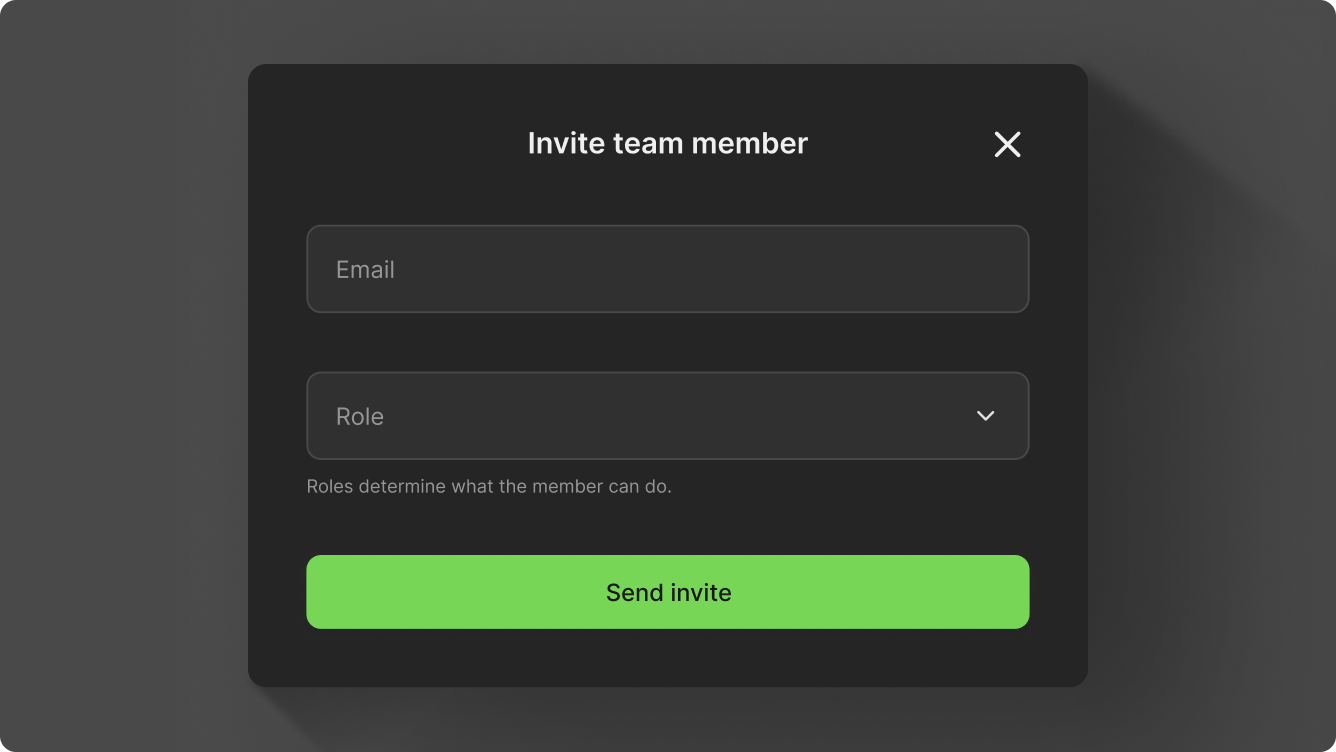
Invitations apply to the mode you're in: members you invite in test mode get access to the test account, and members you invite in production mode get access to the production account. To give someone access to both, invite them in each mode.
Invitations expire after 24 hours. If a user doesn't accept in time, invite them again.
Edit member role
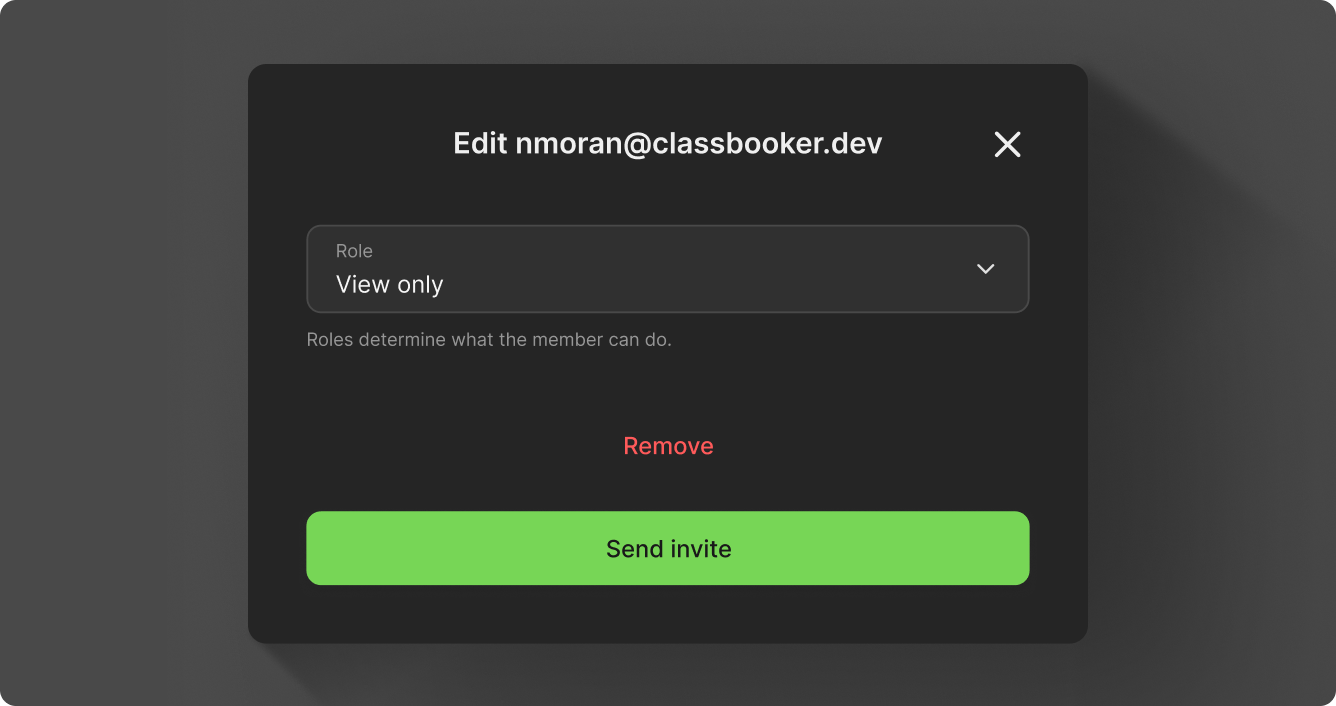
You can go back and change roles, or remove team members as needed. Click on a member in the list you want to change and edit as needed.
Roles
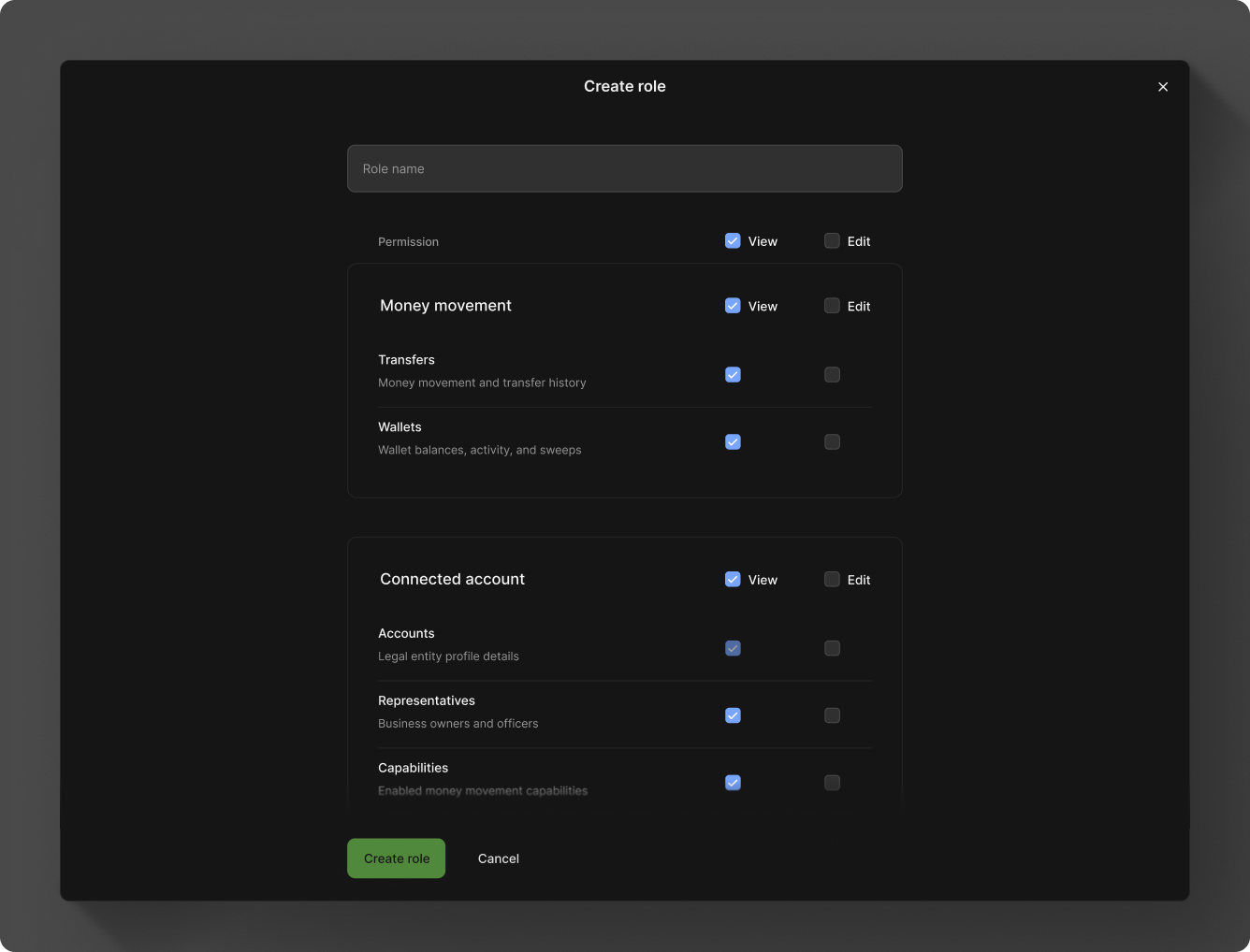
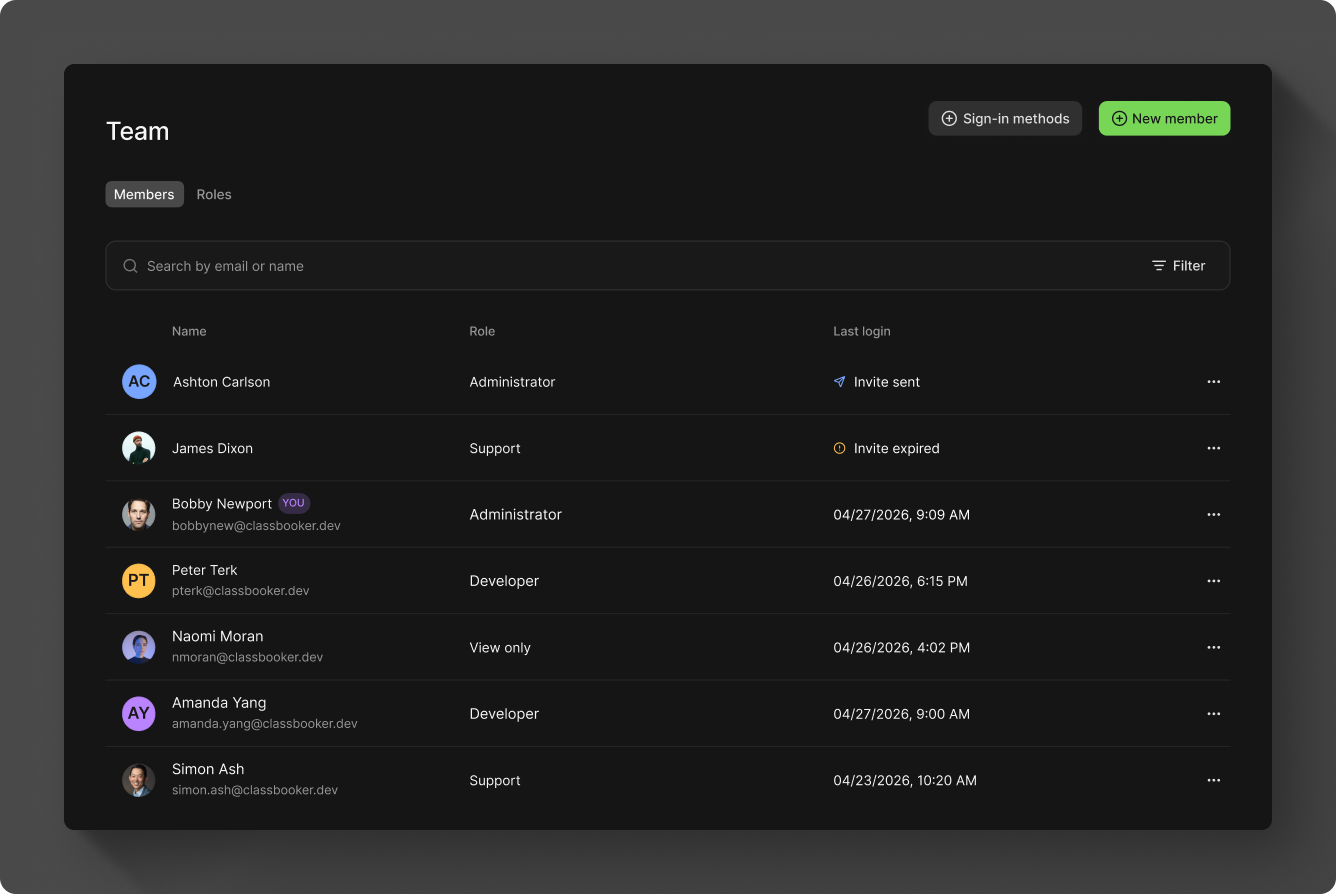
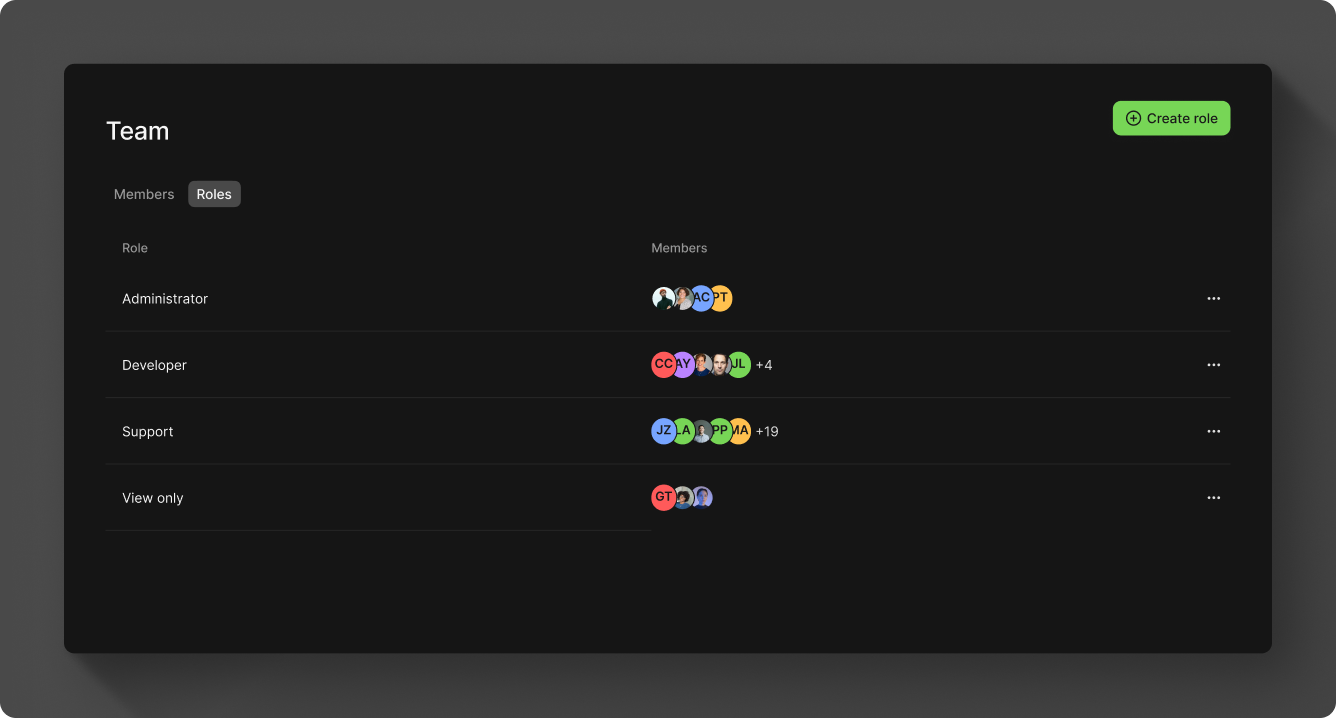
You can create any number of custom roles, each with its own set of permissions, and assign them to team members to control what they can access. Select the "Roles" tab on the Team page to list your existing roles, then click Create role to add a new one or click any role to modify it.
Permissions
Permissions are grouped by product area so you can grant access to only the parts of Moov a role needs. For each area, choose one of three access levels:
- None — the role can't see or change anything in that area.
- Read — the role can view information but can't make changes.
- Write — the role can view information and make changes.