Overview
Onboarding tasks may appear at the top of the page if you have not yet completed them.
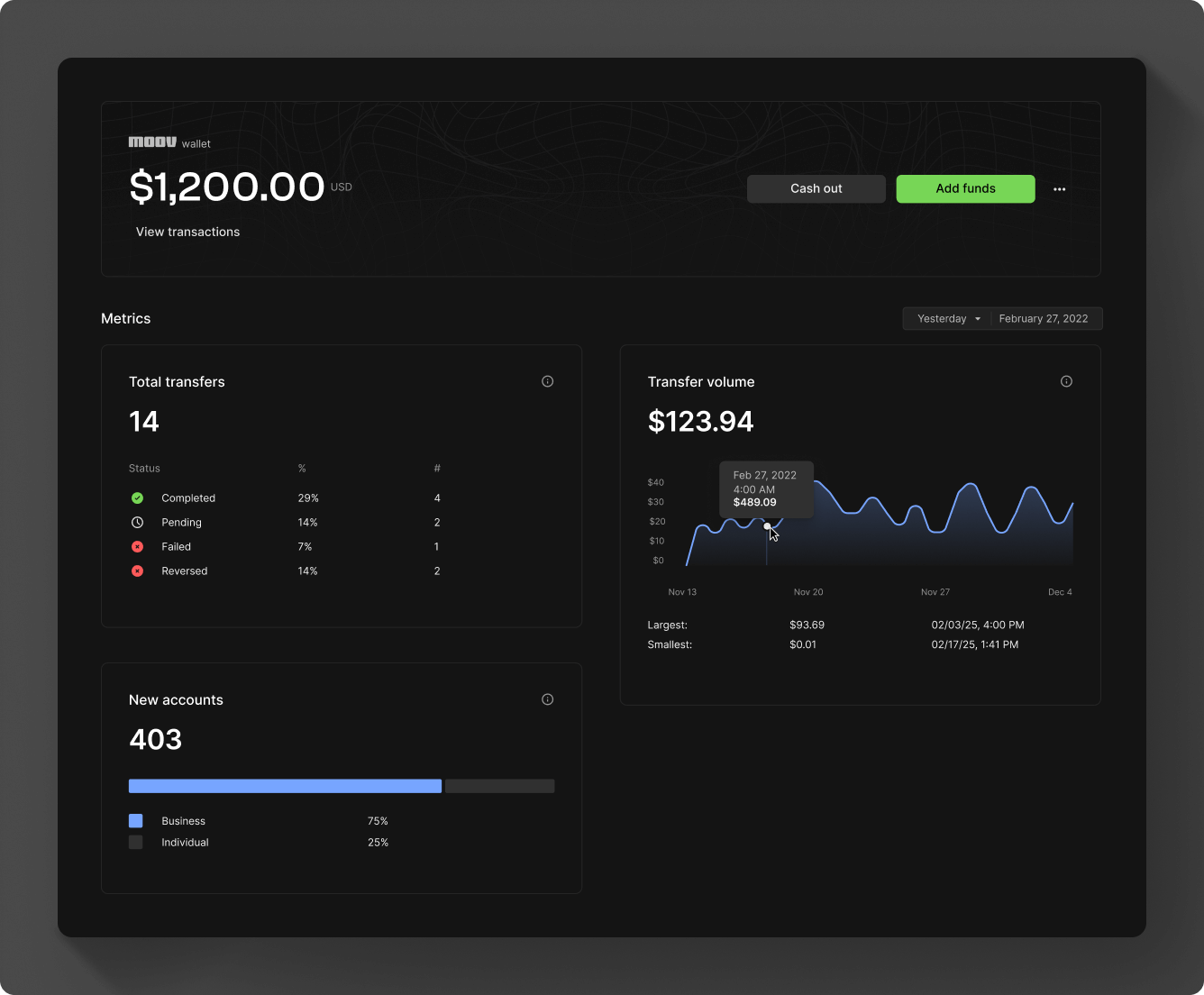
Wallet balance
The wallet balance card shows your current balance, with buttons to Add funds to, or Cash out the wallet. Click the menu expansion to find Sweep settings or copy relevant IDs. Use the sweep settings to set up or manage sweeps for automated payouts.
The View transactions link will take you to the wallet transaction overview page.
Metrics
Metrics cover the last 30 days by default. Change the date range to see more or less activity.
-
Total transfers: The number of transfers created in the date range, broken down by status
-
Transfer volume: The total value of transfers created in the date range, shown by hour for ranges under seven days and by day otherwise
-
New accounts: The number of accounts created in the date range, broken down by individual or business
Test mode
If you're still in test mode, the overview page will suggest actions to take, such as setting up test bank accounts and creating test transfers.